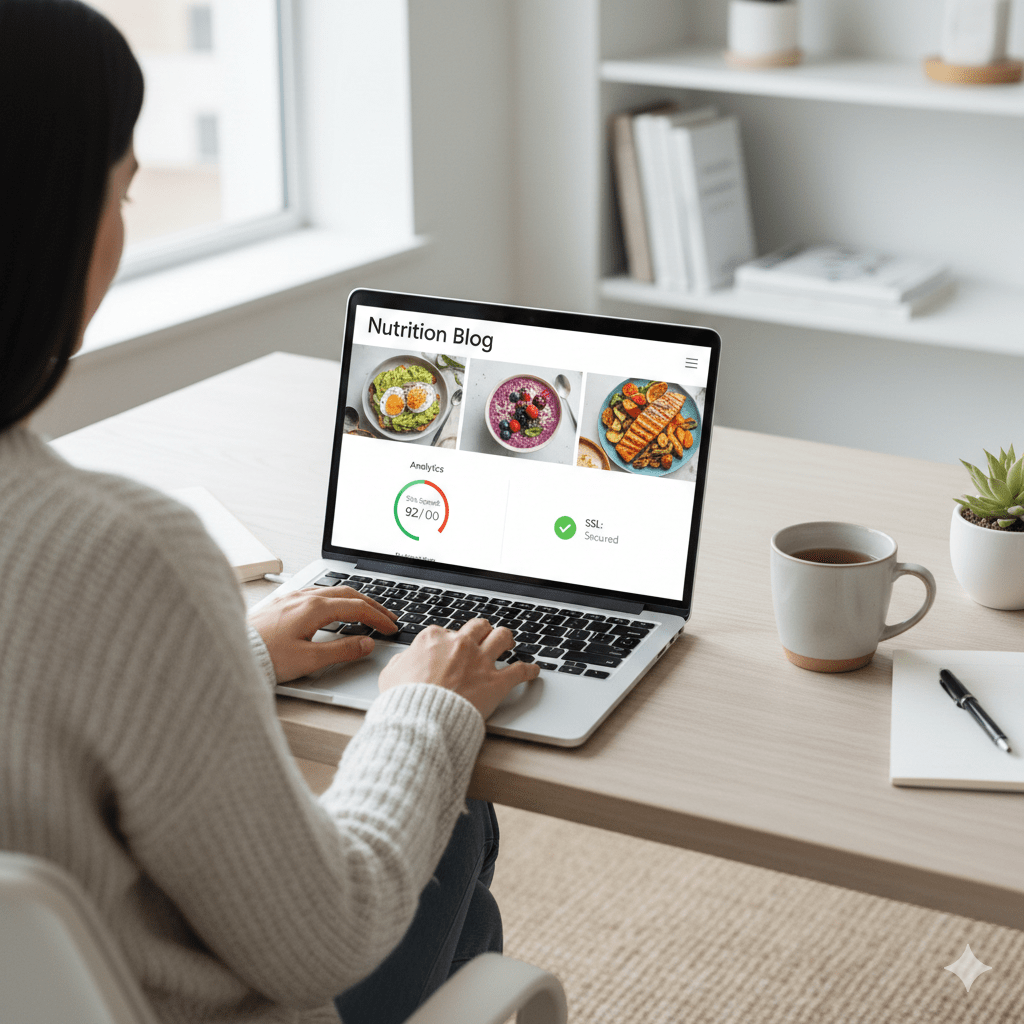
Web Hosting for Nutrition Blogs: What to Look For (Speed, Security & SEO-Friendly Features)
Starting or moving a nutrition blog is about more than recipes and research — your web hosting choice affects speed, security, SEO, ad income, and reader trust. This guide explains exactly what to look for in a host when your site covers health and nutrition: from uptime and HTTPS to backups, privacy controls, and the special needs of content-rich blogs (images, recipe cards, printable PDFs).
Below you’ll find practical checks, examples of hosting types, recommended features, and a clear buying checklist — all written simply so you can pick the right host for your nutrition blog with confidence.
Why web hosting matters for a nutrition blog
A nutrition blog is often image-heavy (photos, infographics, charts) and can attract high-value visitors (readers searching for health advice, recipes, or product reviews). That means:

- Speed matters: Faster sites keep readers engaged and are more likely to rank in search engines. Google treats page speed as a ranking signal. (Backlinko)
- Security & privacy matter: Health-related content is sensitive — HTTPS and solid security reduce the risk of breaches and build trust. Google recommends HTTPS for all sites. (Google for Developers)
- AdSense and monetization: If you plan to run ads (AdSense) or accept sponsored content, your site must follow Publisher Policies and meet technical requirements like HTTPS and clean UX. (Google Help)
Types of hosting and which works best for nutrition blogs
1. Shared hosting — cheapest, OK for beginners
Good for hobby blogs or brand-new sites. Multiple sites share one server, which keeps costs low. However, shared hosting can be slower under traffic spikes and offers limited resource control.
When to choose: You’re just starting, have a small audience, and want the lowest cost.
2. Managed WordPress hosting — best balance for growing blogs
Managed WP hosts handle server tuning, caching, WordPress updates, and security for you. They often include staging sites and faster support for WordPress issues — which saves time and reduces technical risk. For content-heavy nutrition blogs that grow, managed hosting is a smart choice. (TechRadar)
When to choose: You want reliable speed, automatic backups, and fewer technical headaches.
3. VPS / Cloud hosting — scalable, for high-traffic blogs
Virtual Private Servers or cloud hosting (Google Cloud, AWS, etc.) give you dedicated resources and scaling. They’re more technical and usually pricier but shine when you expect high traffic or run recipe directories and large image libraries.
When to choose: You expect steady high traffic, use advanced plugins, or run multiple sites.
4. Enterprise / VIP WordPress hosting — top-tier performance
For brands or large publishers with heavy traffic and strict compliance needs, enterprise hosting provides highest uptime, performance SLAs, and dedicated support. Often expensive but built for scale. (TechRadar)
Must-have hosting features for nutrition blogs
Below are the features that actually affect performance, SEO, and user trust.
1. Fast page load and a built-in CDN
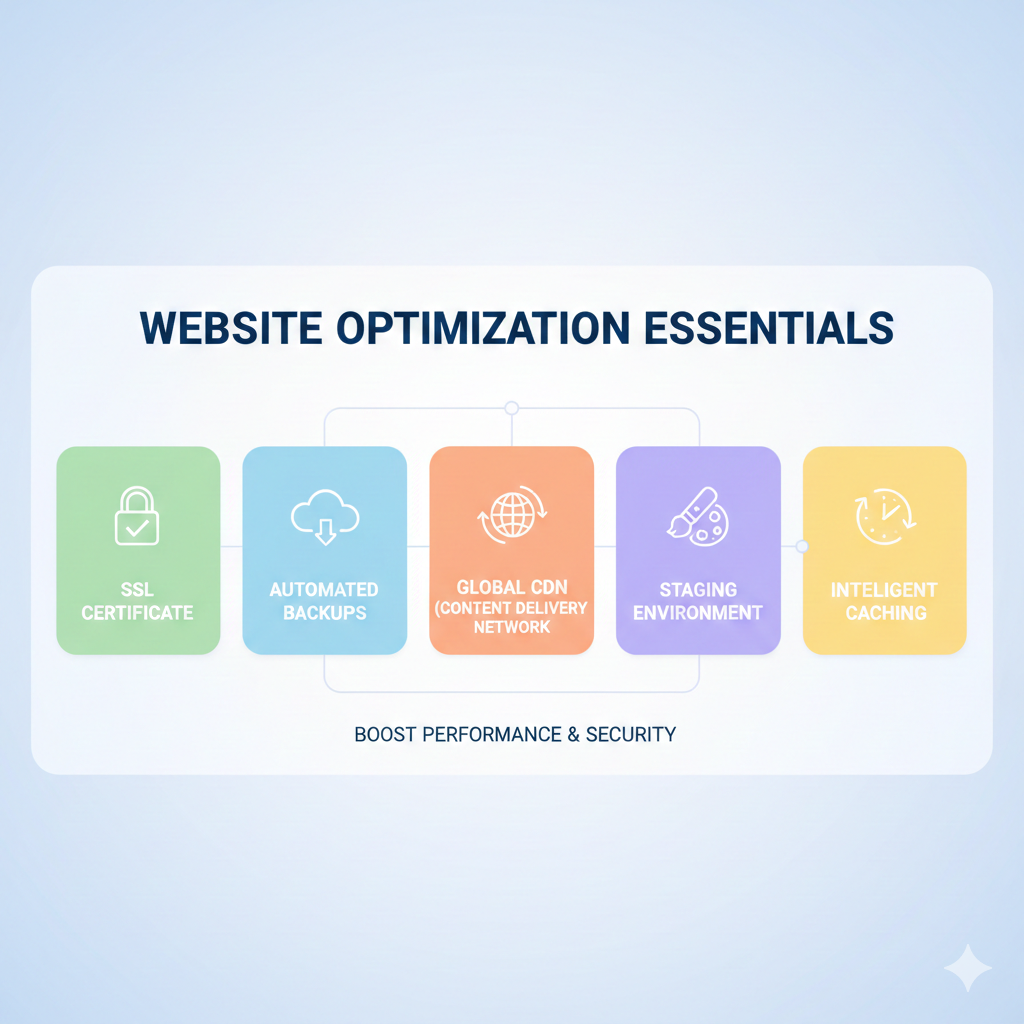
Nutrition blogs use many images — a content delivery network (CDN) delivers images from servers near your visitors, speeding loads and improving SEO. Use hosts that include a CDN or let you add one easily. Page speed is a measurable SEO factor. (Backlinko)
2. Free SSL / HTTPS
HTTPS is non-negotiable — it secures data, is required for AdSense approval, and improves user trust. Most reputable hosts include a free SSL certificate. (Google Help)
3. Regular automated backups & easy restore
Food blogs often have recipes, downloads, and long-form posts — automated daily backups with easy restore are lifesavers. Managed hosts typically include this feature.
4. Strong security & malware scanning
Look for hosts that offer firewalls, DDoS protection, malware scanning, and an easy way to restore files if something goes wrong. Health sites should avoid being a target for bad actors.
5. Uptime guarantees & good support
Uptime of 99.9% or higher and responsive support (chat + ticket + phone) matter. If readers can’t access your recipe pages or affiliate links, you lose clicks and trust.
6. Scalability & traffic handling
Your host should let you upgrade resources quickly (CPU, RAM, bandwidth) if a post goes viral or you run a seasonal campaign.
7. Simple staging environment
Staging lets you test new plugins, recipe templates, or design changes without breaking the live site — essential when testing recipe card plugins or ad placements.
8. One-click WordPress installs & managed updates
Saves time and reduces errors; managed updates (and plugin compatibility checks) prevent conflicts.
9. Storage & image optimization features
Unlimited or generous storage plus image-optimization tools (automatic compression, WebP support) reduce page load times and storage cost.
10. GDPR / privacy compliance tools
Cookie banners, privacy pages, and region-based data controls help with legal compliance when you serve readers in the EU or other regions.
Performance checklist: quick technical items to confirm before buying
- Does the host include HTTP/2 or HTTP/3? (faster asset delivery)
- Is there a built-in object and page cache?
- Does the host support server-side image optimization or integrations with shortpixel/imagify?
- Can you choose data center locations close to your main audience? (e.g., India, US, EU)
- Does the host provide staging, daily backups, and one-click restores?
- Is SSH/SFTP access available for advanced file management?
- Is there email hosting or easy third-party mail setup (important for newsletter & outreach)?
(These items are common offerings among hosts and matter for real-world performance.) (Learn WordPress)
Using Online Platforms for Virtual Training & Coaching: Best Tools, Tips & Strategies for 2025
Hosting + SEO + AdSense: practical notes
- Speed affects SEO: Slow sites rank lower and frustrate readers. Improving hosting + caching improves Core Web Vitals. Use Google PageSpeed Insights to test and prioritize fixes. (Backlinko)
- AdSense requirements: Google requires publishers to follow content and technical policies — including a clean UX, privacy policy, and HTTPS. Confirm your host supports SSL and easy privacy page management. (Google Help)
- Avoid intrusive interstitials: Google’s SEO guidance warns against ads or popups that obstruct content — choose ad placements that don’t interrupt the reader. (Google for Developers)
Recommended hosting scenarios (short guide)

- Hobby nutrition blog / testing ideas: Start with an affordable shared host that offers SSL, decent speed, and daily backups.
- Growing blog with steady traffic: Choose managed WordPress hosting (automatic updates, caching, staging). It’s slightly costlier but saves time and improves reliability. (TechRadar)
- High-traffic or multi-author nutrition site: Use VPS/Cloud or premium managed WordPress with a CDN and dedicated resources.
- Ecommerce (selling meal plans or e-books): Choose a host with WooCommerce optimization and PCI-compliant payment options (many managed hosts offer this). (TechRadar)
Cost expectations
Hosting costs vary widely:
- Shared hosting: $2–$10/month (intro rates)
- Managed WordPress hosting: $15–$50+/month for small sites, scaling higher for enterprise plans
- Cloud/VPS: $20–$200+/month depending on resources and traffic
When choosing, balance cost against the value of time saved, reliability, and performance.
Quick decision checklist (copy-paste for comparison)
- [ ] Free SSL included (Let’s Encrypt)
- [ ] Built-in CDN or easy CDN integration
- [ ] Daily automated backups + 1-click restore
- [ ] Staging environment available
- [ ] Good uptime (≥99.9%) + SLA if possible
- [ ] Managed WordPress option (if you want hands-off maintenance)
- [ ] Server locations near your primary audience
- [ ] Support: 24/7 chat + ticket + phone (dependent on plan)
- [ ] Clear pricing for upgrades and renewal rates
- [ ] Security features (firewall, malware scanning)
FAQs
Q1: Do I need managed WordPress hosting for a new nutrition blog?
A: Not always. For a new blog with low traffic, a quality shared host is fine. Managed hosting becomes worth the cost as traffic grows, or if you want hands-off maintenance and better performance. (TechRadar)
Q2: Is SSL required for AdSense?
A: Yes — AdSense and best security practice require HTTPS for secure and trusted ad serving. Most hosts provide free SSL certificates. (Google Help)
Q3: How important is server location for my readers?
A: Very — closer data centers mean lower latency. If your audience is mainly in a single region, choose a host with nearby data centers or use a CDN for global reach. (TechRadar)
Q4: Can hosting improve my Google rankings?
A: Hosting won’t fix poor content, but good hosting (fast, reliable, secure) helps with technical SEO signals like page speed and uptime, which support ranking. (Backlinko)
Q5: What backup frequency is enough?
A: Daily automated backups are minimum for active blogs. If you publish multiple posts daily or sell products, look for hourly backups or real-time snapshots on premium plans.
External resources (trusted & helpful)
- WordPress.org — Hosting recommendations & resources. (WordPress.org)
- Google Search Central — SEO starter guide (practical SEO & UX guidance). (Google for Developers)
- Google AdSense Program Policies — publisher requirements and technical expectations. (Google Help)
- Kinsta (page speed and performance insights) — guide on speed and PageSpeed Insights. (Kinsta®)
- TechRadar (managed WordPress hosting roundups) — market-tested hosting options and reviews. (TechRadar)
Final notes: planning for growth and credibility
A nutrition blog deals with health-related content — that means readers trust you to provide accurate, well-researched information. Combine great hosting with clear author bios, citations, and editorial standards (EEAT — expertise, experience, authoritativeness, trustworthiness). Fast, secure hosting protects that trust and ensures readers actually get to your helpful content.